Everyone has stood in front of a mirror holding a screenshot, trying to
picture a fringe on their own face. You can’t. Nobody can. That’s why so many
haircuts are decided in the chair, five minutes before it’s too late.
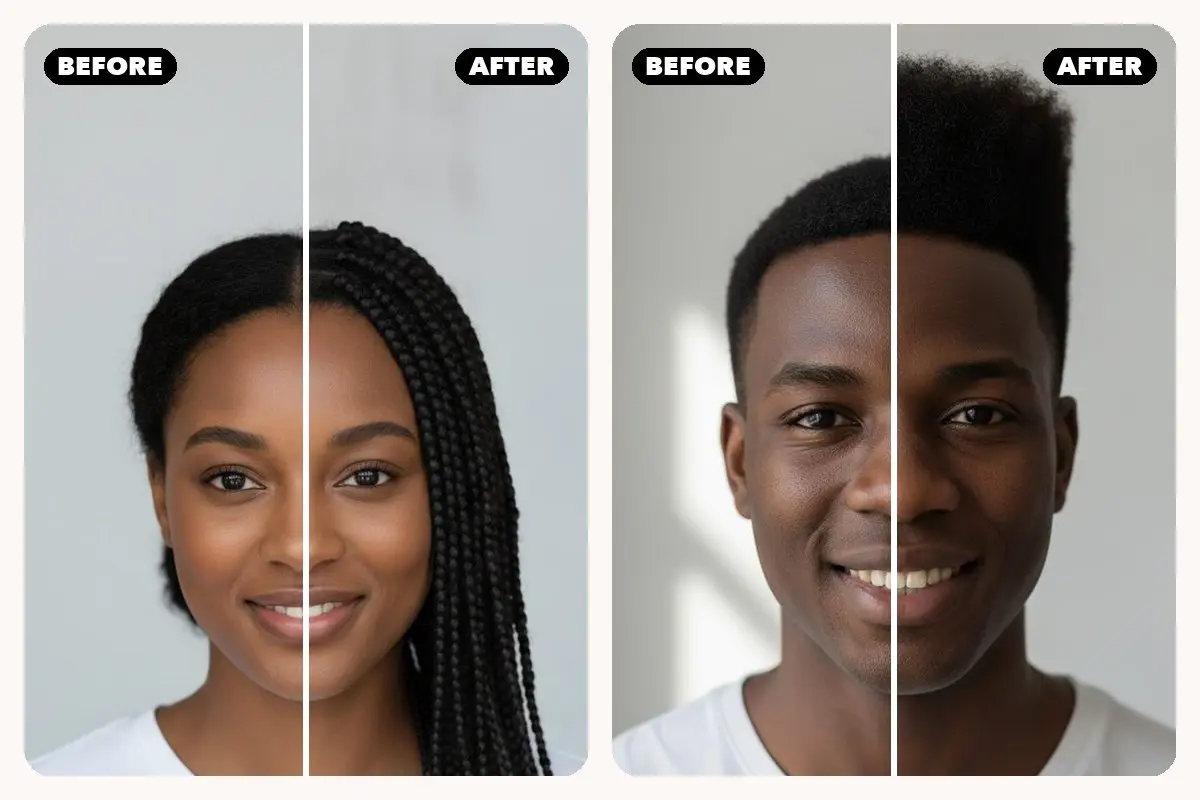
So we built the thing that answers the question directly: the HairAide
app is out now on iPhone and
Android. Add a selfie,
pick a style, and see it on your own face in about fifteen seconds.
What you can actually do with it
If you’ve used the try-on on this site,
the app is that, with the three things people kept asking us for.
You pick from pictures, not names
“Butterfly cut”, “bixie”, “octopus cut” — the names tell you nothing if you
haven’t seen one. Every one of the 98 styles in the app shows a real preview, so
browsing feels like flipping through a lookbook instead of reading a menu.

Every look is saved, so you can compare properly
The hardest part of choosing isn’t trying one style. It’s remembering the
first one by the time you’ve tried the fourth. The app keeps every try-on, and
lets you put two to four of them side by side — with a switch to flip back to
your original photo, because that’s the comparison that actually matters.
Search the way you talk about hair
Type “fringe” and you get curtain bangs, wispy bangs and a curly fringe.
Type “grey blending” and you get the silver options. Or describe something the
list doesn’t have — “copper balayage with curtain bangs” — and it renders that
instead. There’s a women/men filter too, because a taper fade and a bridal updo
are never on the same shortlist.
What it costs
Your first 3 try-ons are free and need no account — no email, no card. After
that, credit packs start at $0.99 and the credits never expire. There’s no
subscription. And because credits follow your email address, anything you bought
on the website already works in the app.
What happens to your photo
Your selfie is used for exactly one thing: making the preview you asked for.
We don’t run face recognition, we don’t build face templates, and we don’t sell
your photos to anyone. Photos and results are deleted from our servers within 90
days, and you can ask us to delete them sooner. That’s the whole policy, and the
long version is here.
Take it to the salon
The most useful thing you can do with a result isn’t posting it. It’s sending
it. Save the image or share the link, and your stylist sees precisely what you
mean — no app needed on their end, no more “shorter, but not that short”.
Get the HairAide app →
· Free to try on iPhone
and Android.