
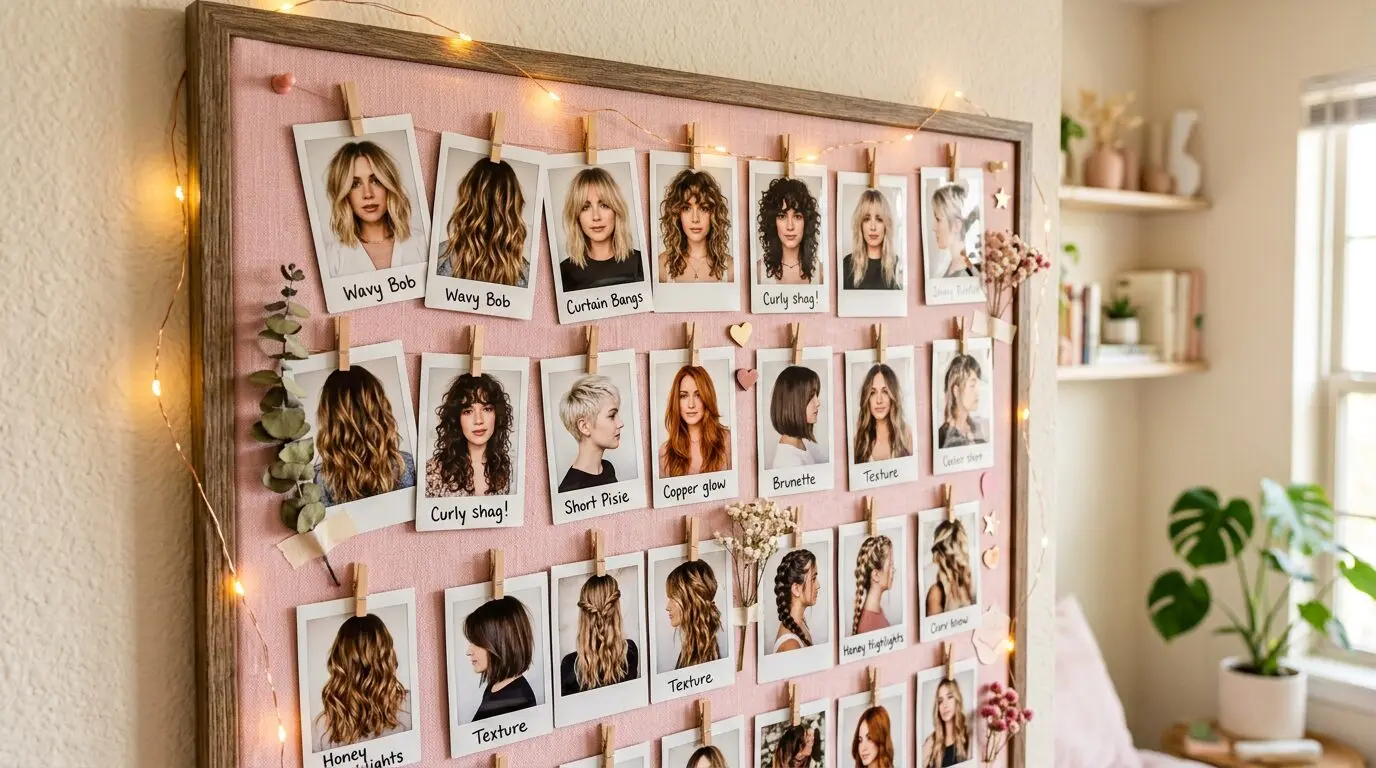
We’ve all been there: you see the perfect hairstyle on your phone, screenshot it, and then forget about it in a camera roll of 3,000 other photos. When you finally sit down in the salon chair and your stylist asks “what are we doing today?” — you’re frantically scrolling, trying to find that one image you saved three weeks ago.
There’s a better way. Our Style Board feature lets you collect hairstyles as you browse HairAide articles, organize them side-by-side, and share the whole collection with your stylist. No more lost screenshots.
Stop Screenshotting on Your Phone
Screenshots are scattered, low-quality, and give your stylist zero context. You end up showing a tiny phone screen with a cropped image that doesn’t show the full style from all angles. Your stylist has to guess at the details, and you both leave unsure if you’re on the same page.
A curated Style Board is different. It collects full-resolution images with the hairstyle names and descriptions attached. When you share it, your stylist sees exactly which elements you like — the layers, the framing, the texture — with none of the guesswork.
How the Style Board Works
As you browse any HairAide hairstyle article, you’ll see a heart icon on each look. Tap it to save that style to your personal Style Board. It floats in the corner of your screen, ready whenever you want to review your collection.
- Browse any hairstyle article on HairAide (listicles, trend roundups, cut guides)
- Tap the heart icon on styles that catch your eye
- Open your Style Board to see all saved looks side-by-side
- Share or email the board to yourself or directly to your stylist before your appointment
Your Style Board saves to your browser, so it persists between visits. No account needed.
Start Building Your Board
Head to any of our popular hairstyle galleries below and start saving your favorites. The Style Board icon will appear on each image automatically.
- Classic Gypsy Shag Hairstyles — Shaggy, layered, effortlessly cool
- Long Wolf Cut Ideas — The trending cut that works on every texture
- Celebrity Hair Match Quiz — Find your celebrity hair twin first, then save styles from their gallery
Tips for Communicating With Your Stylist
Having the right photos is only half the battle. Here’s how to use your Style Board effectively at your appointment:
- Save 3-5 photos, not 30 — Too many references create confusion. Pick your top looks that share a common thread (texture, length, vibe).
- Point out specific elements — Instead of “I want this,” say “I love the face-framing layers in this one and the volume at the crown in that one.” Details help your stylist combine elements that work for your hair.
- Include styles on similar hair types — A style on pin-straight hair won’t translate to tight curls. Save references from people whose texture is close to yours.
- Be realistic about maintenance — That perfect blowout requires 30 minutes of styling every morning. If you’re a wash-and-go person, choose styles that look great air-dried.
- Show what you don’t want too — One anti-reference can prevent a miscommunication better than five positive examples.
What to Include (and Skip) on Your Board
Include:
- Front, side, and back views of the style when available
- Styles on hair textures similar to yours
- Multiple photos showing the same vibe (this helps your stylist see the pattern)
- Your current favorite photo of your own hair to show your starting point
Skip:
- Celebrity photos with professional styling, lighting, and editing (unless you’re prepared for that level of maintenance)
- Styles from 10+ years ago — techniques and products have evolved
- Photos of completely different hair textures — your stylist can adapt elements, but physics won’t let straight hair behave like curly hair
Not sure what styles suit your hair type? Take our Hair Type Quiz first to understand what you’re working with, then browse styles matched to your results.
Frequently Asked Questions
Is the Style Board free?
Completely free. No account, no sign-up, no limits. It saves directly in your browser.
Can I share my Style Board with my stylist?
Yes — you can email the board to yourself or share a link. It includes all your saved images organized in a clean, shareable format that’s easy to view on any device.
Will my saved styles stay if I close my browser?
Yes, your Style Board persists in your browser’s local storage. It stays until you clear your browsing data or manually remove styles from the board.
How many styles can I save?
As many as you want, though we recommend narrowing down to 3-5 favorites before your salon appointment. Having too many options can make it harder for your stylist to identify a clear direction.
Your next salon visit starts here. Browse our hairstyle collections, build your board, and walk in with a clear vision. Need help finding the right salon? Our Salon Finder has 4,800+ certified stylists, and our Salon or No Salon game helps you decide if you even need an appointment.